AI visualiser

AI construction visualisation: show clients the finished job before they say yes

Describe the change or pick a site photo, and EstiMate creates an image of the finished extension, kitchen or fit-out using the scope and the materials already on your quote. Put it on the front of the quote so the client sees what they're buying next to the price.

No credit card required · Free plan available · Cancel anytime

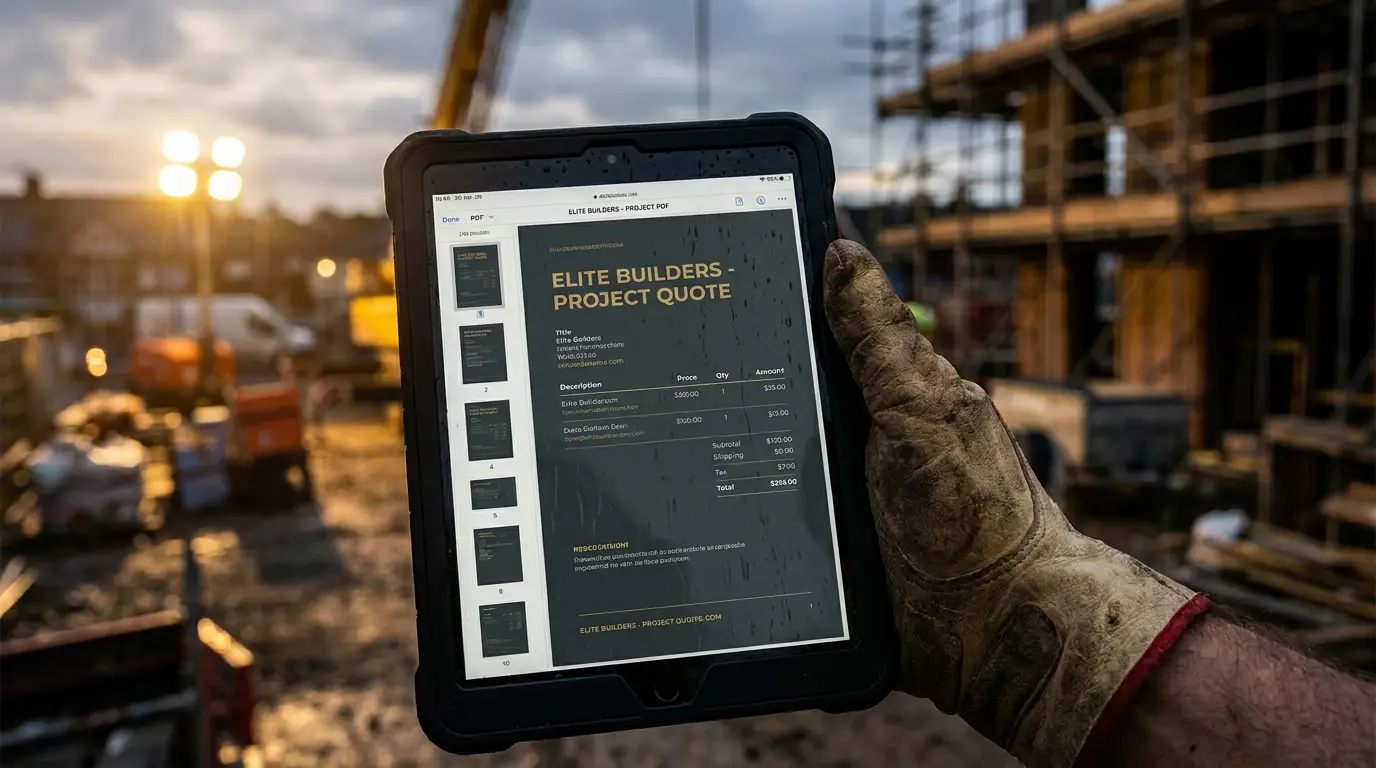
A builder holding a tablet showing a project quote on site

Show them the finished job.

A picture of the work, from a site photo and the materials on the quote.

800+

Quotes created

£4.2M+

In quotes sent

£0

Free plan · no card

Any device

Phone, tablet & desktop

What you get

Why builders choose EstiMate

Pictures that match the price

The visualiser reads the job: the project title, the scope and the materials already on your quote by their product names. It turns your short description into a proper brief, so the picture shows what you've actually priced rather than something generic.

  • Built from the job's own scope and materials
  • Your words turned into a detailed brief
  • No separate design tool to learn

Start from a real site photo

Pick one of the job's site photos and ask for the change, for example the back of the house opened up with bifolds. The visualiser is told to keep the original room and only change what you asked for, so the client recognises their own house.

  • Edit a photo already on the job
  • Keeps the existing room, changes what you asked
  • Or create an image from a description alone

On the quote the client receives

Saved visuals sit on the job, and one can be the cover image on the quote PDF the client opens, next to the price, scope and payment schedule.

  • Saved to the job
  • Cover image on the quote PDF
  • Sent with the quote link

Honest about what it is

These are illustrations to help a client picture the finished job. They are not drawings, measured designs or a promise of exact finishes, and the quote and contract describe what is being built.

  • An illustration, not a drawing
  • Client-friendly, not a specification
  • Part of EstiMate Pro
One system

From enquiry to final account

01

Create the job

Client, site address, project title. Takes 30 seconds.

02

Quote & win it

Breakdowns, optional extras, one-tap online acceptance.

03

Sign the contract

A build contract from the quote, e-signed online.

04

Run the job

Programme, site diary, snagging and variations.

05

Get paid

Milestones tracked and overdue payments chased.

Pricing

Start free. Upgrade when you're ready.

No contracts. No hidden fees. Cancel monthly subscriptions any time.

Free

£0

Try it on real jobs before you commit.

  • 3 jobs per month
  • Material & labour breakdowns
  • Builder's calculators
Get started free

EstiMate

£15.99/ month

Unlimited quotes and the full app.

  • Unlimited jobs, branded PDFs
  • Quote sharing, contracts & e-signatures
  • Receipts, milestones & payment tracking
Start EstiMate
Most popular

EstiMate Pro

£39.99/ month

Everything, plus the full AI suite.

  • AI quote writer & AI take-off
  • Snagging, progress reports & 360° tours
  • Construction Copilot & priority support
Start Pro

Teams and multi-branch contractors: EstiMate Corp from £249 / month. Compare every plan →

Questions

Frequently asked questions

What does the AI visualiser do?

It creates an image of the finished work for a job, either from a description or by editing one of the job's site photos, using the scope and the materials on the quote so the picture reflects what has been priced.

Can it edit a photo of the client's actual house?

Yes. Choose a site photo on the job and describe the change. It is instructed to keep the original room and only alter what you asked for.

Does the image go on the quote?

Yes. A saved visual can be used as the cover image on the quote PDF the client receives.

Is it a substitute for architect's drawings?

No. It's an illustration to help the client picture the result. Drawings, specifications and the contract set out what is actually built.

Which plan includes it?

AI features, including the visualiser, are part of EstiMate Pro and above.

Estimate faster. Run the job. Protect your margin.

Use EstiMate from first enquiry through quotation, project delivery, variations, records and payment tracking.

Try EstiMate free

No credit card · Free plan always available